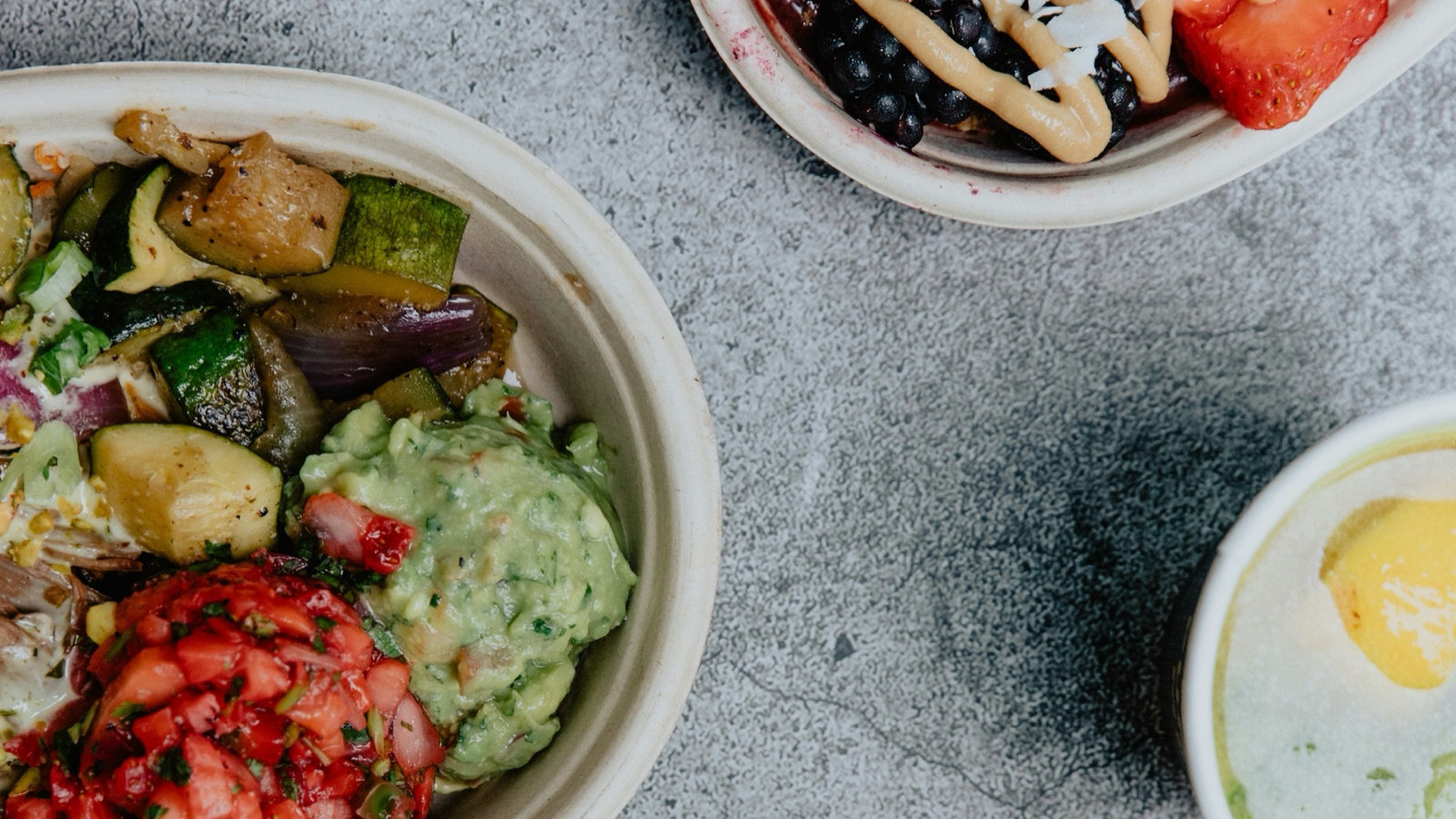
A month ago we wrote that a photo can’t see the oil. It can’t. A camera looks at a stir-fry and has no idea whether it was cooked in a teaspoon of olive oil or a quarter cup. So when people kept asking us for photo logging anyway, we built it the only way we thought was honest: a photo log that asks.
TrakMac 2.0 is out today. Here is what changed and why.
What’s new in TrakMac 2.0?
TrakMac 2.0 adds three things:
- Snap Log. Take a photo of your meal, add anything the camera can’t see, and TrakMac estimates the calories and protein.
- “How was today?” An optional daily check-in for energy and mood, so you can start to see how food and training line up with how you feel.
- “Numbers look off?” A button on every estimate that tells us when something doesn’t add up, so we can fix it for everyone.
Voice Log is still the fastest way in. Text Log and Punch The Numbers are still there for the days you’d rather type. Snap Log just covers the moment when the meal is sitting in front of you and talking feels like more work than pointing your phone at it.
How does photo food logging work in TrakMac?
Snap Log turns one photo and an optional sentence into a calorie and protein estimate in a few seconds. Open the log sheet, tap Snap Log, then take a photo of the plate or pick one from your library. Before you hit Estimate, TrakMac asks one question: anything the camera can’t see? That’s where “cooked in butter,” “extra guac, no rice” or “the dressing was the creamy one” goes. TrakMac then estimates calories, protein, carbs and fat, and shows the breakdown item by item so you can tap any number and adjust it before logging. On iOS 26 and later there’s a second way in: point Apple’s Visual Intelligence camera at your food and tap “Log this meal,” and Snap Log opens with the photo already loaded. The first time you use a photo, TrakMac asks permission before anything leaves your phone.
Is photo calorie counting accurate?
Photo calorie counting is accurate enough for simple, visible food and noticeably shakier for mixed dishes. A grilled chicken breast next to some rice is easy. A curry, a burrito bowl or a salad with the dressing already tossed in is a guess about what’s underneath. Researchers who reviewed image-based food logging methods still described accurate dietary intake measurement as a challenge, and portion size is a big part of why.
That’s the gap the note fills. The photo gives TrakMac the portion and the obvious parts. Your sentence gives it the oil, the sauce and the second scoop of rice the bowl is hiding. Together they get you a lot closer than either one alone, and closer is the whole point. TrakMac has always been built for close-enough estimates you’ll actually keep logging, not lab-grade precision you’ll give up on by Thursday.
If a number still looks wrong, tap “Numbers look off?” and tell us. Those reports go straight to us and we use them to make estimates better for everyone.
What is the “How was today?” check-in?
The daily check-in is a small card that shows up on your dashboard in the evening, or once you’ve logged something. Tap it, rate your energy and mood from 1 to 5, and add a note by voice or text if you feel like it. “Slept badly, legs were dead in the afternoon” is plenty. TrakMac reads the note and suggests a few tags; you confirm or change them.
Why bother? Because the question most people who train eventually ask isn’t “how many calories did I eat.” It’s “why did I feel great on Tuesday and like garbage on Thursday.” Food and training are part of that answer, and a log of how you felt sits right next to a log of what you ate.
Check-ins are off until you turn them on, they don’t count toward your streak, and you choose whether the AI reads your notes at all. You can edit or delete any check-in, or switch the whole thing off in Settings.
Is my meal photo private?
Yes. Before a photo leaves your phone, TrakMac shrinks it and strips out location and device details. The photo is used once to make the estimate and isn’t saved by TrakMac. The only thing kept is the meal you confirm, the same as when you log by voice. If you want the long version, it’s all in our privacy policy, and the FAQ covers how estimates work.
Download TrakMac
Say it, snap it, or type it. TrakMac 2.0 does the math on your calories and protein in seconds, and now it asks about the oil. Download TrakMac free. iOS, free to download.